


How To Start a Honda Civic With a Dead Battery
Imagine it’s Monday morning, and you’re all ready for work. You slide behind the wheel of your car and try to engage the engine, but nothing happens. That’s when you realize you left your lights on all night, and now you have a dead battery in your Honda Civic.
Regardless of why it happened, when you have somewhere to be in Marion, Illinois, having a dead battery is a huge inconvenience. Knowing how to start a Honda Civic with a dead battery can help you overcome the problem quickly, and the team at Ike Honda is always here to help. Use this guide to learn how to jump-start your Honda Civic battery and what tools you’ll need to complete the job.
Signs Your Honda Civic Battery Is Dead
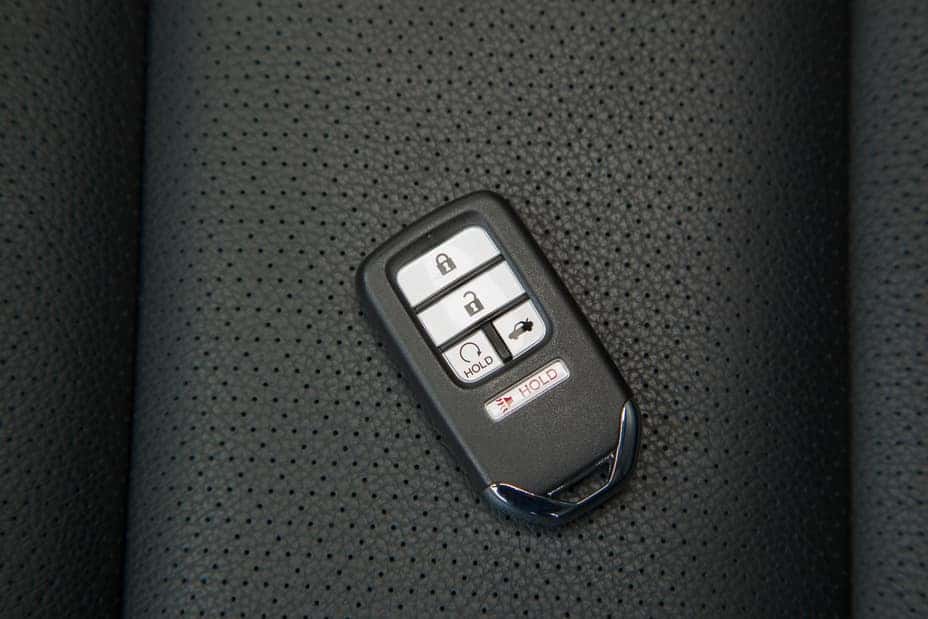
Image used with permission via HondaNews
Several signs will indicate if your Honda Civic has a dead battery, and that it’s not something else causing your car trouble. The following are the pointers that your battery is dead.
Clicking Noise or No Crank
If you hear a clicking noise and the engine doesn’t crank when you turn the key or push the start button in your Civic, your battery is dead. The clicking noise indicates that the starter is trying to engage, but there’s insufficient power for it to turn over. You’ll likely hear rapid, repeated clicking as the car tries to start. A single, loud click indicates other issues.
Dim Lights or Electrical Failure
The lights in your car dimming, weak headlights and taillights, or electrical failure indicate that your battery isn’t strong enough to power your Civic properly. You won’t be able to use the radio, heating, air conditioning, or windows if your car’s battery is dead. A weak battery will often cause these systems to perform erratically before it dies completely.
Dashboard Warning Lights
Never ignore your dashboard warning lights. When you see the battery light come on in your Civic, it indicates your battery isn’t powering your vehicle sufficiently. You should have the battery tested at Ike Honda as soon as possible to avoid the hassle of a dead battery.
What You’ll Need To Jump-Start Your Honda Civic
Jump-starting your Honda Civic requires the following gear, and having the necessary tools on hand can reduce the time it takes to get you back on the road.
Jumper Cables
Jumper cables connect your dead battery to another functioning battery or jump box. These cables have red and black clamps on both ends, which you attach to the battery terminals of both batteries. Be aware that you need to connect the jumper cables correctly to avoid further damaging your battery or the battery you’re using to charge yours. Many people have a designated spot in their vehicle to store jumper cables, ensuring they’re always available in an emergency.
Another Vehicle or Jump Box
You’ll need another working vehicle to help you jump-start your Civic. If not, you can use a jump box if you have one. The other car’s battery or the jump box will provide the power needed to start your dead battery. Transferring the power between sources can take a few minutes, so don’t rush it.
Protective Gloves (Optional but Recommended)
Though not entirely necessary, wearing protective gloves while jump-starting your car can prevent injury. Because you’re dealing with the electrical system, there’s a small risk of shock. You could also pinch yourself with the cables or scrape your hands or arms on parts under the hood.
How To Safely Jump-Start a Honda Civic
Follow these steps to jump-start a dead battery in your Honda Civic.
Step 1: Park Both Vehicles and Turn Off Ignitions
Both your vehicle and the vehicle with a good battery need to be parked. The hoods of the cars need to be close enough that the jumper cables can easily reach from one battery to the other. Turn off both ignitions so that neither car is running.
Step 2: Connect Jumper Cables in the Correct Order
You must connect your jumper cables in the correct order. Start by connecting the red clamp to the positive battery terminal on the dead car. Then, connect the other red clamp to the positive battery terminal on the good car. Take the black clamp and connect it to the negative battery terminal on the good car. Finally, connect the other black clamp to a metal surface on your Civic’s frame, ensuring it’s away from the battery.
Step 3: Start the Working Vehicle, Then the Civic
With the batteries connected, ask the other driver to start their car. Wait a few minutes to let some power transfer from their vehicle to yours, then start your Civic’s engine. If it still doesn’t turn over, allow it a little more time, then try it again. Your Civic should start within 10 minutes.
Step 4: Let It Run and Disconnect Safely
When your car is running, leave it on. Don’t turn off your Civic’s engine while disconnecting the jumper cables. Remove the cables in the reverse order to that used to hook them up, starting with the black cable connected to the metal frame. Put your jumper cables away, and you’re ready to go. Let your engine run for at least 15 minutes. Drive around for a while and try to bring your car up to speed to help fully recharge the battery.
Schedule Battery Service at Ike Honda
Regular battery maintenance and inspections can help extend the life span of your Honda Civic battery. Our service center has state-of-the-art equipment, allowing us to test your battery and assess its health in just a few minutes. Schedule a battery service at Ike Honda today to keep your car running at its best. We can clean your battery terminals, determine whether the battery is charging efficiently, and replace it if necessary. Contact us to learn more about the auto services we offer and why we’re a top choice in Marion.
1 comment(s) so far on How To Start a Honda Civic With a Dead Battery
Honda should stick with the basics for the LX model. I’m not a fan of having useless fancy gadgets that break over time. Real keys work without batteries, nearly forever.